

Download Stream to Chromecast – Free, Secure Media Casting Tool
Overview
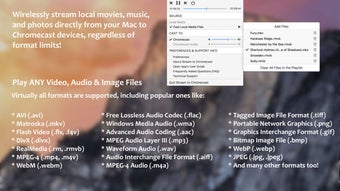
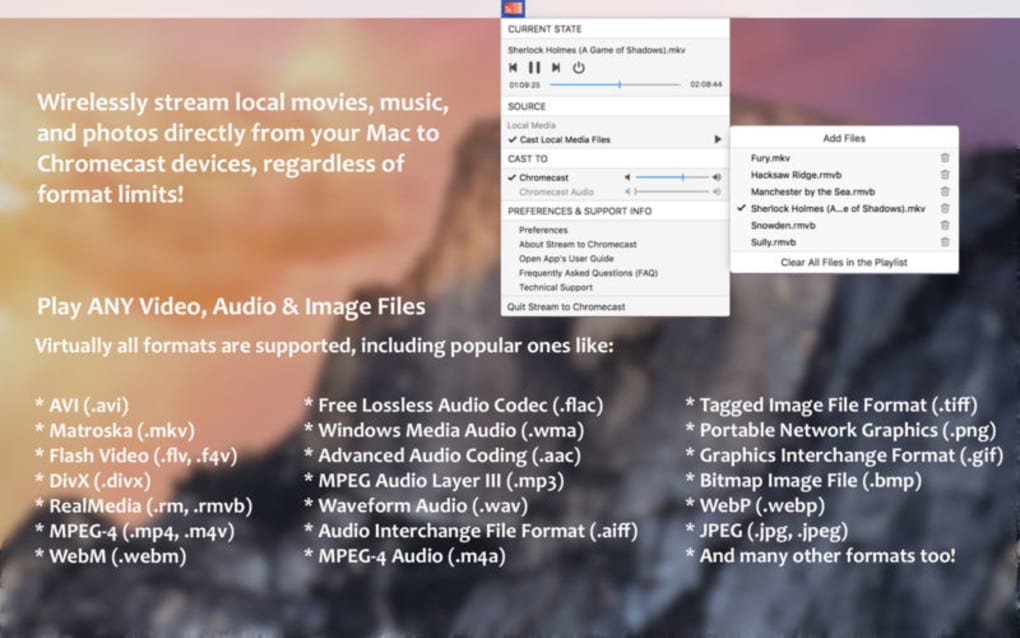
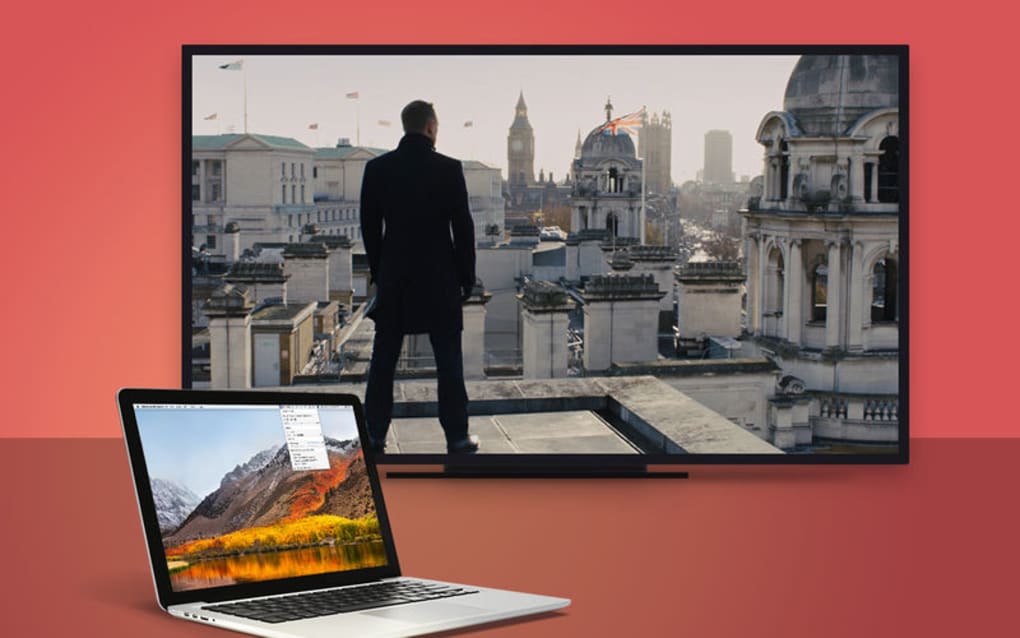
Stream to Chromecast is a lightweight, cross‑platform utility that lets you wirelessly beam local videos, photos, and music from any mobile device or computer straight to a Chromecast‑enabled TV, Android TV, Chromecast Audio, or any Google Cast‑compatible receiver. What sets this tool apart is its ability to handle **more than 30 file formats** without the need for prior conversion, ensuring a seamless viewing experience on the big screen. Whether you’re watching a high‑definition MKV movie, listening to a FLAC soundtrack, or flipping through a slideshow of PNG images, the app automatically detects the best playback method and streams the content instantly. The interface is intentionally minimal—just select a file, hit “Cast,” and the media begins playing on your television within seconds. This zero‑configuration approach saves you time and eliminates the frustration of fiddling with codecs or third‑party transcoding software.
Key Features & Compatibility
What You Get
- Supports 30+ audio, video, and image formats (MP4, MKV, AVI, MP3, FLAC, PNG, JPEG, etc.)
- Automatic device discovery on the same Wi‑Fi network – no manual IP entry required
- Playlist creation for uninterrupted playback of multiple files
- Full playback controls: play, pause, stop, seek, volume, and next/previous track
- Background casting – continue using your device while media streams
- Cross‑platform support for Windows 10/11, macOS 10.13+, Android 6.0+, and iOS 12+
- Secure connection using Google Cast encryption, protecting your media from interception
- Lightweight installer (under 15 MB) and automatic updates for new features and bug fixes
Operating System Compatibility
Stream to Chromecast runs natively on the major desktop and mobile operating systems. Windows users enjoy a simple .exe installer, macOS users get a signed .dmg package, Android users download the app from Google Play, and iOS users can install it via the App Store. All versions share the same core engine, guaranteeing consistent performance regardless of the device you use to cast.
Installation, Setup & Everyday Use
Step‑by‑Step Installation
- Visit the official website or your platform’s app store and click the Download button.
- Run the installer (Windows) or drag the app to your Applications folder (macOS).
- On mobile devices, grant the app permission to access local media files and the local network.
- Launch the app; it will automatically scan your Wi‑Fi network for Chromecast‑compatible devices.
How to Cast Your Media
After the app detects your TV or Chromecast Audio, simply click the Cast button next to the file you wish to stream. The file is transferred using Google Cast’s secure protocol, so there is no need for a separate media server. For playlists, drag multiple files into the app’s playlist window, arrange them as desired, and press Play All. The playback controls appear on both the casting device and the receiver, allowing you to pause, skip, or adjust the volume from either side.
Troubleshooting Common Issues
Most connectivity problems stem from network isolation. Ensure both your casting device and the Chromecast are on the same SSID and that your router does not block multicast traffic. If a file fails to play, double‑check that it is listed in the supported formats. The app’s Log tab provides detailed error messages that can be shared with support for faster resolution.
Pros, Cons & Frequently Asked Questions
Pros
- Broad format support eliminates the need for conversion.
- Zero‑configuration device discovery speeds up setup.
- Playlist functionality offers continuous entertainment.
- Secure streaming via Google Cast encryption.
- Lightweight footprint and regular automatic updates.
Cons
- No built‑in video editing or subtitle customization.
- Requires both devices to be on the same Wi‑Fi network; no Bluetooth fallback.
- Advanced audio features (e.g., DSP) are not available.
FAQ
Do I need a Google account to use Stream to Chromecast?
No. The app uses the Google Cast protocol locally on your network, so a Google account is not required for casting.
Can I stream DRM‑protected content?
Stream to Chromecast does not support DRM‑protected files such as Netflix or Amazon Prime Video; it is intended for personal media stored locally.
Is the app free or paid?
The core application is free to download and use. A premium upgrade removes ads and adds priority support.
What network speed is required for smooth 4K streaming?
A stable Wi‑Fi connection of at least 20 Mbps is recommended for 4K HDR content; lower resolutions work well on 5 Mbps or less.
Can I control playback from my TV remote?
If your TV remote supports HDMI‑CEC, you can use it to pause, play, and adjust volume while casting.
Expert Review
Rating: ★★★★☆ (4.5/5)
Summary: Stream to Chromecast delivers on its promise of hassle‑free media casting. Its extensive format list and playlist support make it a strong contender for home entertainment setups, though power users may miss advanced audio controls.
Conclusion & Call to Action
If you’re looking for a **free, secure, and easy‑to‑use** solution to bring your local media library onto the big screen, Stream to Chromecast checks all the boxes. Its broad compatibility, automatic device discovery, and robust playlist features mean you spend less time troubleshooting and more time enjoying movies, music, and photos on your television. Download the app today, create your first playlist, and experience wireless streaming without the hassle of format conversion.
Download Stream to Chromecast now and start casting instantly.







